本帖最后由 火工道人 于 2026-3-9 08:52 编辑
本地视频播放器支持3D VR视频播放,自带中文,软件本身不带文件管理,设置选项带图形界面,播放需要从文件管理器中选择打开。电视端本地播放播放器众多,多一个选择也是不错的。
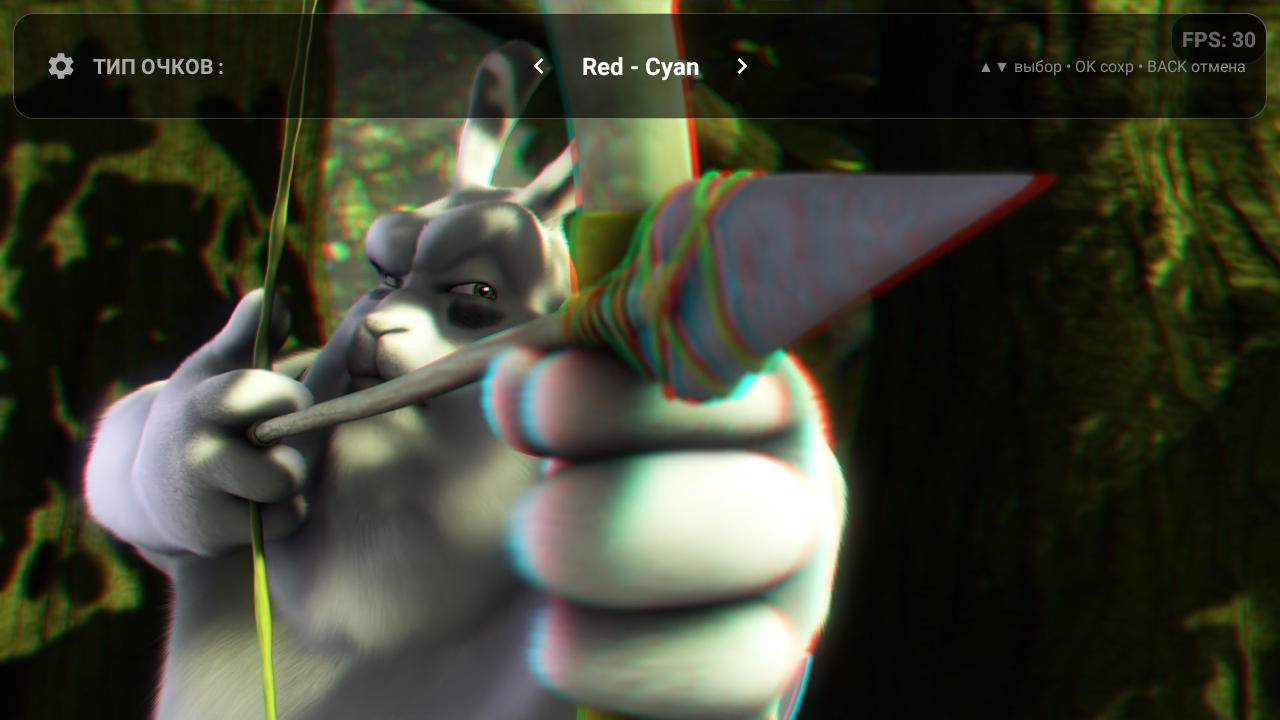
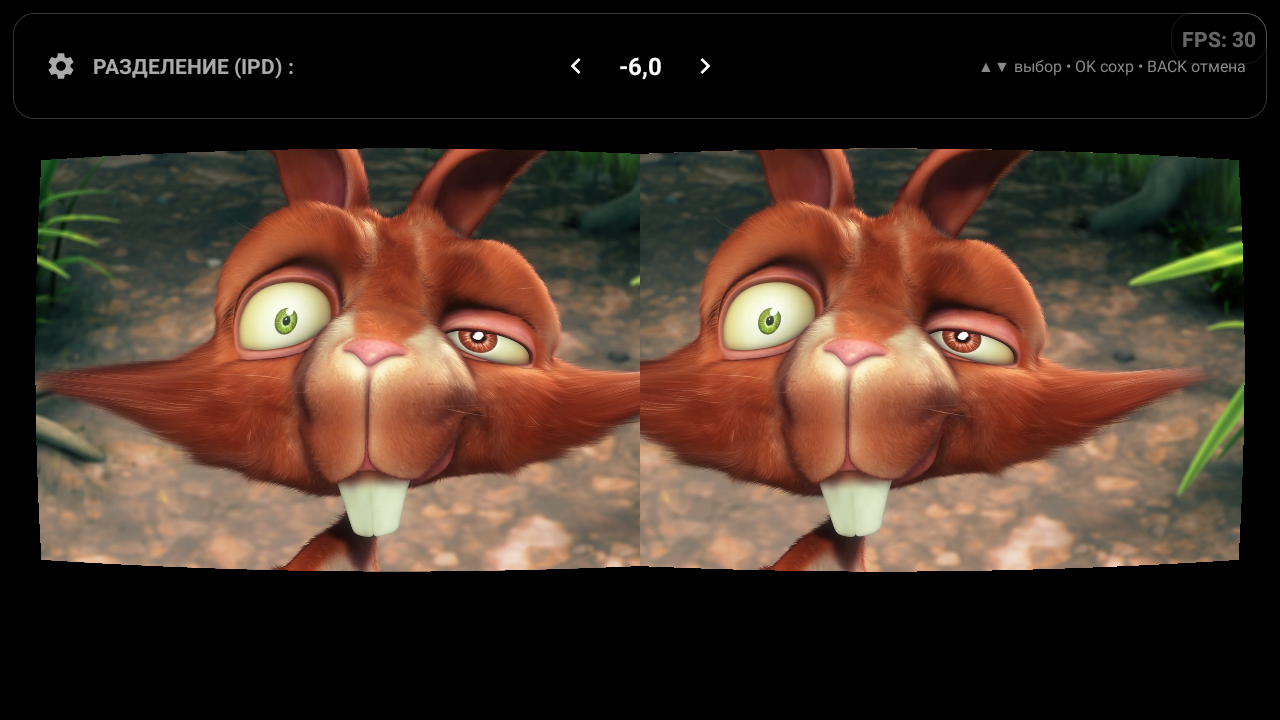
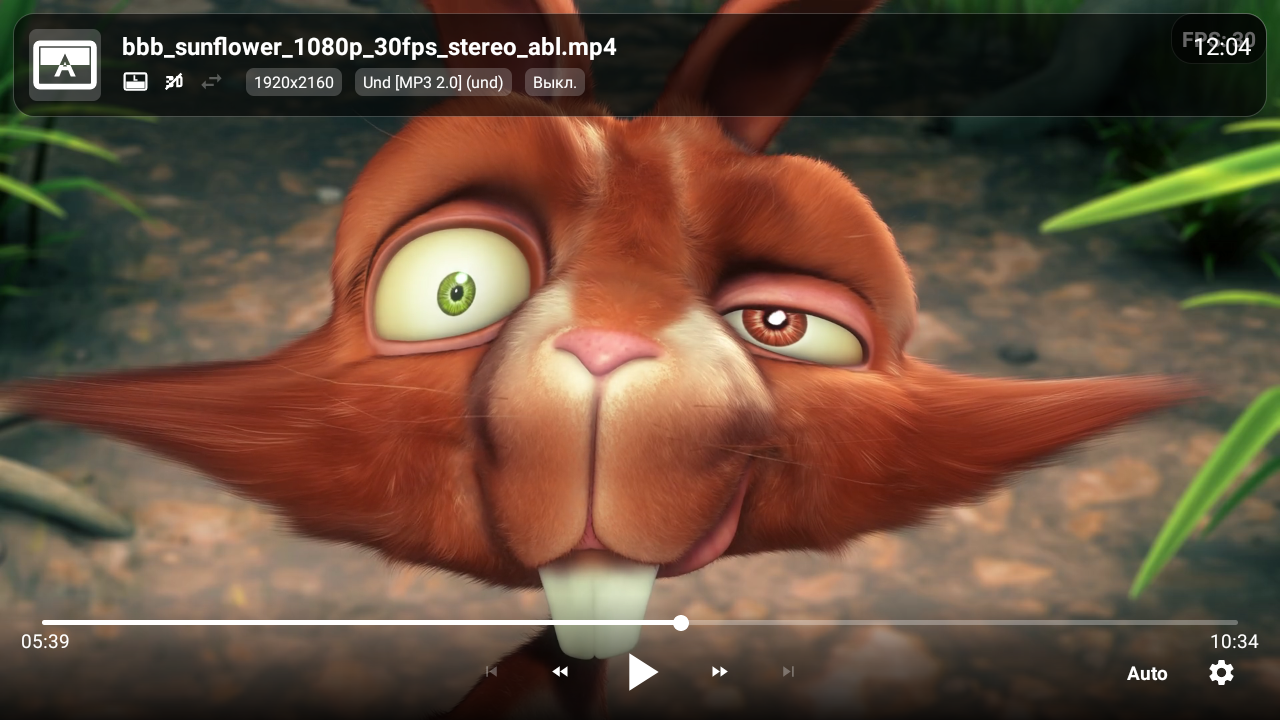
 DDD Video Player-1.2.4.zip
(14.6 MB, 下载次数: 30)
DDD Video Player-1.2.4.zip
(14.6 MB, 下载次数: 30)
论坛限制,文件为压缩包,下载后直接提取。
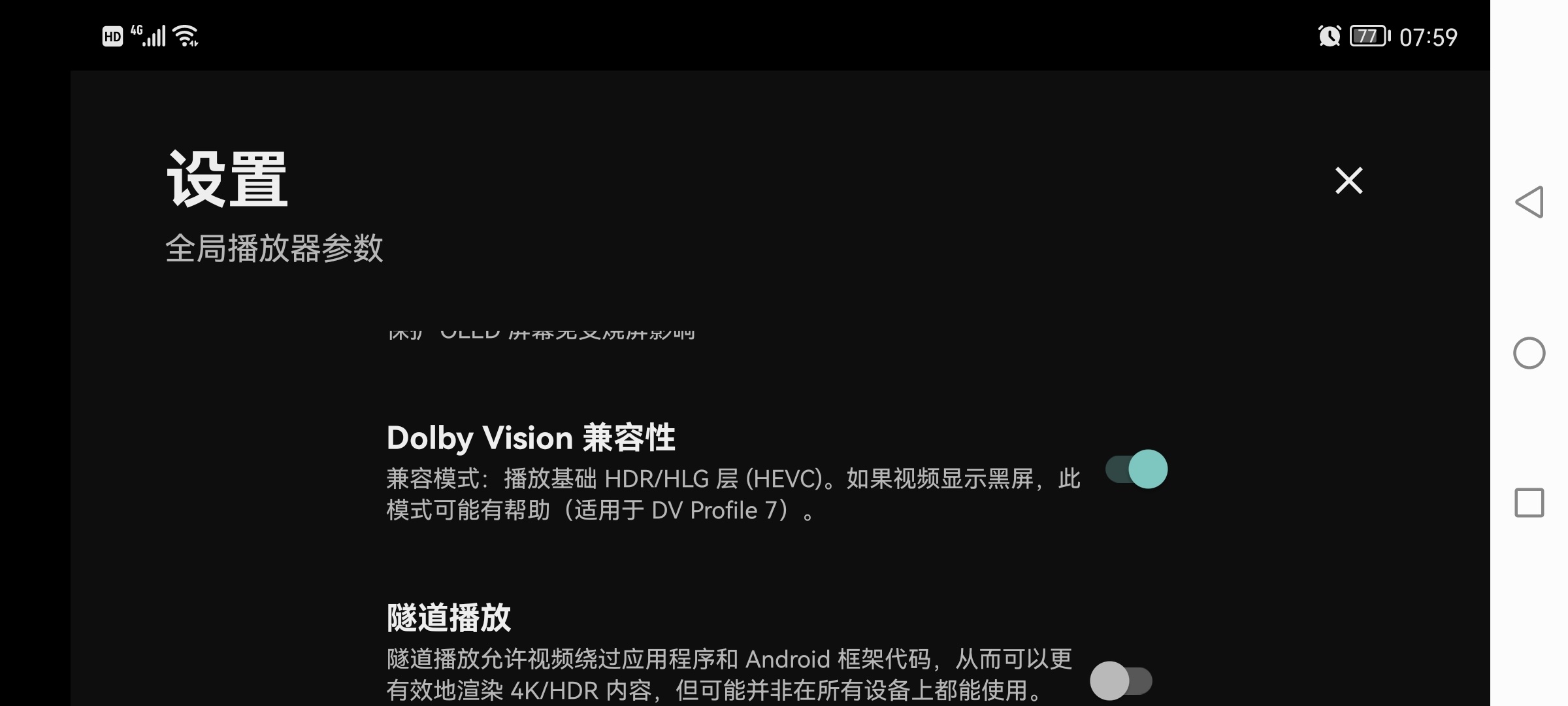 打开直接显示系统语言,无需设置中文。在支持单层杜比的电视设备上关闭设置中Dolby Vision兼容性选项播放杜比流媒体可以正常显示画面。
以下为作者发布页介绍 有兴趣的可以尝试看看
Advanced 3D & HDR Video Player for Android TV and Mobile
Supports Android 6.0 (API 23) and above.
DDD Video Player is an advanced video player for Android (TV and Mobile) that allows you to watch not only standard 2D videos but also stereoscopic video p AIrs, creating an immersive 3D effect. To experience the 3D effect, you will need anaglyph glasses (e.g., Red-Cyan) or Cardboard VR-compatible equipment.
- Stereo Formats Support:
- Side-by-Side (SBS)
- Top-BOTTom (Over-Under)
- Interlaced
- 3D(z) Tile Format (720p in 1080p)
- Output Modes:
- Anaglyph: High-quality Dubois aLGorithm with customizable color matrices (Red-Cyan, Green-Magenta, Yellow-Blue).
- VR / Cardboard: Lens distortion correction for VR headsets.
- Mono: Watch 3D content in 2D (Left or Right eye only).
- HDR Support: Direct rendering via SurfaceView for native HDR playback on supported displays (when in 2D mode).
- Audio Passthrough: Supports AC3/DTS 5.1 passthrough to external receivers via HDMI/Optical.
- Advanced Subtitles: Correctly renders subtitles in 3D modes.
- Playlist Support: Built-in playlist manager with poster support.
- Customization:
- Adjustable 3D depth (parallax).
- Swap Left/Right eyes.
- Custom anaglyph color tuning (Hue, Leakage).
- VR lens distortion parameters (K1, K2, Scale).
Intent API (Integration)
You can launch DDD Player from external applications using Intent.ACTION_VIEW. Basic Launch (Single Video)
val intent = Intent(Intent.ACTION_VIEW)intent.setDataAndType(Uri.parse("https://example.com/video.mp4"), "video/*")intent.putExtra("title", "Big Buck Bunny")intent.putExtra("poster", "https://example.com/poster.jpg")startActivity(intent)
Supported Extras (Single Video)
[td]Key | Type | Description | title | String | Video title displayed in the UI. | filename | String | Fallback filename if title is missing. | thumbnail | String | URL to the thumbnail image. | position | Int/Long | Start position in milliseconds. | headers | String[] | HTTP headers as array: ["Key1", "Val1", "Key2", "Val2"]. | return_result | Boolean | If true, returns playback position to calling app on finish. |
Subtitles (Single Video)
To add external subtitles to a single video, use the following extras: [td]Key | Type | Description | subs | Parcelable[] (Uri) | Array of Uris to subtitle files. | subs.name | String[] | Array of display names (e.g., "English", "Russian"). | subs.filename | String[] | Array of filenames (optional fallback for name). |
Example: val subUris = arrayOf(Uri.parse(".../sub_en.srt"), Uri.parse(".../sub_ru.srt"))val subNames = arrayOf("English", "Russian")intent.putExtra("subs", subUris)intent.putExtra("subs.name", subNames)
Playlist Support
To pass a playlist, use the video_list extra (ParcelableArray of URIs) along with parallel arrays for metadata. [td]Key | Type | Description | video_list | Parcelable[] (Uri) | Required. List of video URLs. | video_list.name | String[] | List of titles. | video_list.filename | String[] | List of filenames. | video_list.thumbnail | String[] | List of thumbnail URLs. | video_list.subtitles | ArrayList<Bundle> | List of subtitles for each video item. |
Playlist Subtitles Structure:The video_list.subtitles extra is an ArrayList where each Bundle corresponds to a video at the same index.Inside each Bundle: - uris: Parcelable[] (Uri) - Subtitle files.
- names: String[] - Subtitle names.
Example (Playlist): val videoUris = arrayOf(Uri.parse(".../vid1.mp4"), Uri.parse(".../vid2.mp4"))val titles = arrayOf("Movie 1", "Movie 2")// Subtitles for Video 1val subs1 = Bundle()subs1.putParcelableArray("uris", arrayOf(Uri.parse(".../vid1_sub.srt")))subs1.putStringArray("names", arrayOf("English"))// Subtitles for Video 2 (No subs)val subs2 = Bundle() val subsList = ArrayList<Bundle>()subsList.add(subs1)subsList.add(subs2)intent.putExtra("video_list", videoUris)intent.putExtra("video_list.name", titles)intent.putParcelableArrayListExtra("video_list.subtitles", subsList)
Tech Stack
- Language: Kotlin
- Player Core: Media3 (ExoPlayer)
- Rendering: OpenGL ES 2.0 (Custom Shaders for 3D/Anaglyph)
- UI: Android Views, ConstraintLayout
- Image Loading: Coil
- Database: Room
- Architecture: MVVM
|  /2
/2 




 雷达卡
雷达卡
 发表于 2026-3-8 12:35
 提升卡
提升卡 置顶卡
置顶卡 变色卡
变色卡 千斤顶
千斤顶


