- UID
- 3709189
- 性别
- 保密
- 注册时间
- 2016-1-25
- 威望
-
- 金币
-
- Z币
-
- 听众
|
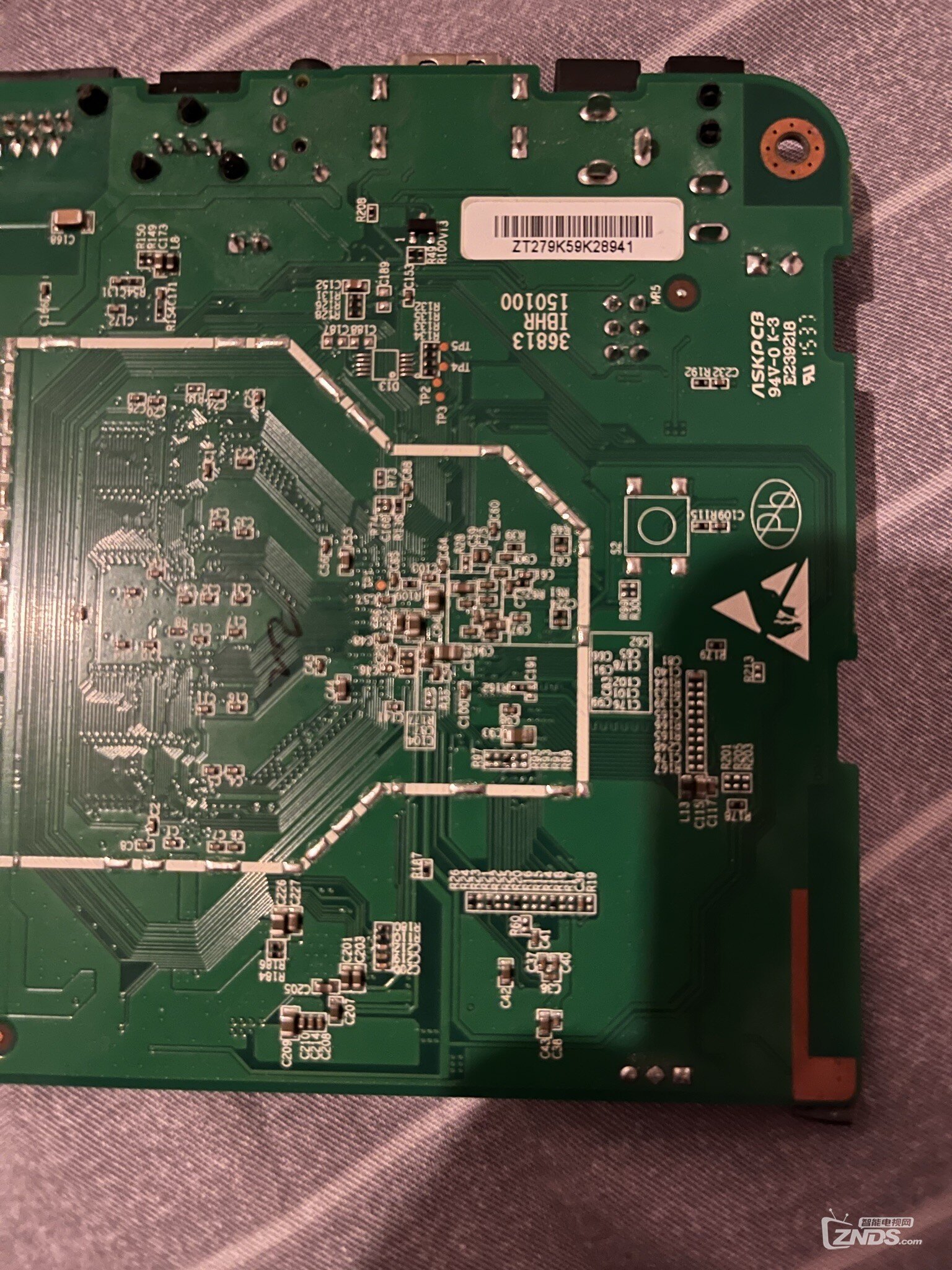
no sdio debug board detected
TE : 1428873
BT : 16:38:07 Mar 5 2016
NO PMU:use DCDC
##### VDDEE voltage = 0x044c
CPU clock is 1200MHz
CPU type: M8M2
DDR info: 1GB(auto) @ 792MHz(1T)+Scramb EN
DDR channel: DDR 0 + DDR 1
DDR init use : 13090 us
HHH
Boot From SDIO C
0x0000008d
ucl decompress...pass
0x12345678
Boot from internal device 1st tSD/fSD on SDIO C
TE : 1645687
System Started
U-boot-00000-g456adb9-dirty(m8_k200_v1@) (Mar 05 2016 - 16:37:39)
clr h-ram
DRAM: 1 GiB
relocation Offset is: 2feb8000
show partition table:
part: 0, name : logo, size : 2000000
part: 1, name : recovery, size : 2000000
part: 2, name : misc, size : 2000000
part: 3, name : boot, size : 2000000
part: 4, name : system, size : 40000000
part: 5, name : cache, size : 20000000
part: 6, name : data, size : end
aml_card_type=0x200
MMC: [mmc_register] add mmc dev_num=0, port=1, if_type=6
[mmc_register] add mmc dev_num=1, port=2, if_type=6
SDIO Port B: 0, SDIO Port C: 1
board_type 6
register usb cfg[0][1] = 3ff700d0
register usb cfg[2][0] = 3ff73848
mcli -- wifi_power_init in uboot --
enter emmc boot
Emmckey: Access range is illegal!
[mmc_init] SDIO Port C:1, if_type=6, initialized OK!
[mmc_get_partition_table] skip cache partition.
Partition table get from SPL is :
name offset size flag
===================================================================================
0: bootloader 0 400000 0
1: reserved 2400000 4000000 0
2: cache 6c00000 20000000 2
3: env 27400000 800000 0
4: logo 28400000 2000000 1
5: recovery 2ac00000 2000000 1
6: misc 2d400000 2000000 1
7: boot 2fc00000 2000000 1
8: system 32400000 40000000 1
9: data 72c00000 76400000 4
mmc read lba=0x12000, blocks=0x1
mmc read lba=0x12001, blocks=0x1
mmc_read_partition_tbl: mmc read partition OK!
eMMC/TSD partition table have been checked OK!
i=0,register --- emmc_key
device_boot_flag=2
EMMC BOOT: not init nand
do not init nand : cause boot_device_flag without nand
MMC BOOT, emmc_env_relocate_spec : env_relocate_spec 74
set_storage_device_flag: store 2
vpu driver detect cpu type: m8m2
vpu clk_level = 7
set vpu clk: 364000000Hz, readback: 364000000Hz(0x700)
do_judgecheck argc: 5
argv[1]: 0 argv[2]: 4 argv[3]: true argv[4]: outputdefault
judgecheck - judgecheck 1 1 true/false command command
Usage:
judgecheck argv: <key> <value> <true/false> <command> <command>
mode = 9 vic = 19
set HDMI vic: 19
config HPLL
config HPLL done
reconfig packet setting done
Err imgread(L526):head magic error
There is no valid bmp file at the given address
There is no valid bmp file at the given address
Err imgread(L129):Fmt unsupported!genFmt 0x0 != 0x3
Net: Meson_Ethernet
init suspend firmware done. (ret:0)
cvbs trimming.1.v5: 0xa0, 0x0
efuse version is not selected.
reboot_mode=charging
Hit Enter key to stop autoboot -- : 0
exit abortboot: 0
aml_keys: version 0 can not be init 3ff73a84
current storer:emmc_key
key save is auto select storer(nand or emmc)
write key code version3_flush:709,prov->write:3feff694
write key ok!!
Booting...
error: image data is not a fdt
key_unify_init:375,unify key config table parse fail
Err key(L81):fail in key_drv_init
error: image data is not a fdt
key_unify_init:375,unify key config table parse fail
Err key(L47):fail in key_drv_init
error: image data is not a fdt
key_unify_init:375,unify key config table parse fail
Err key(L47):fail in key_drv_init
Err imgread(L330):Fmt unsupported!genFmt 0x0 != 0x3
Wrong Image Format for bootm command
ERROR: can't get kernel image!
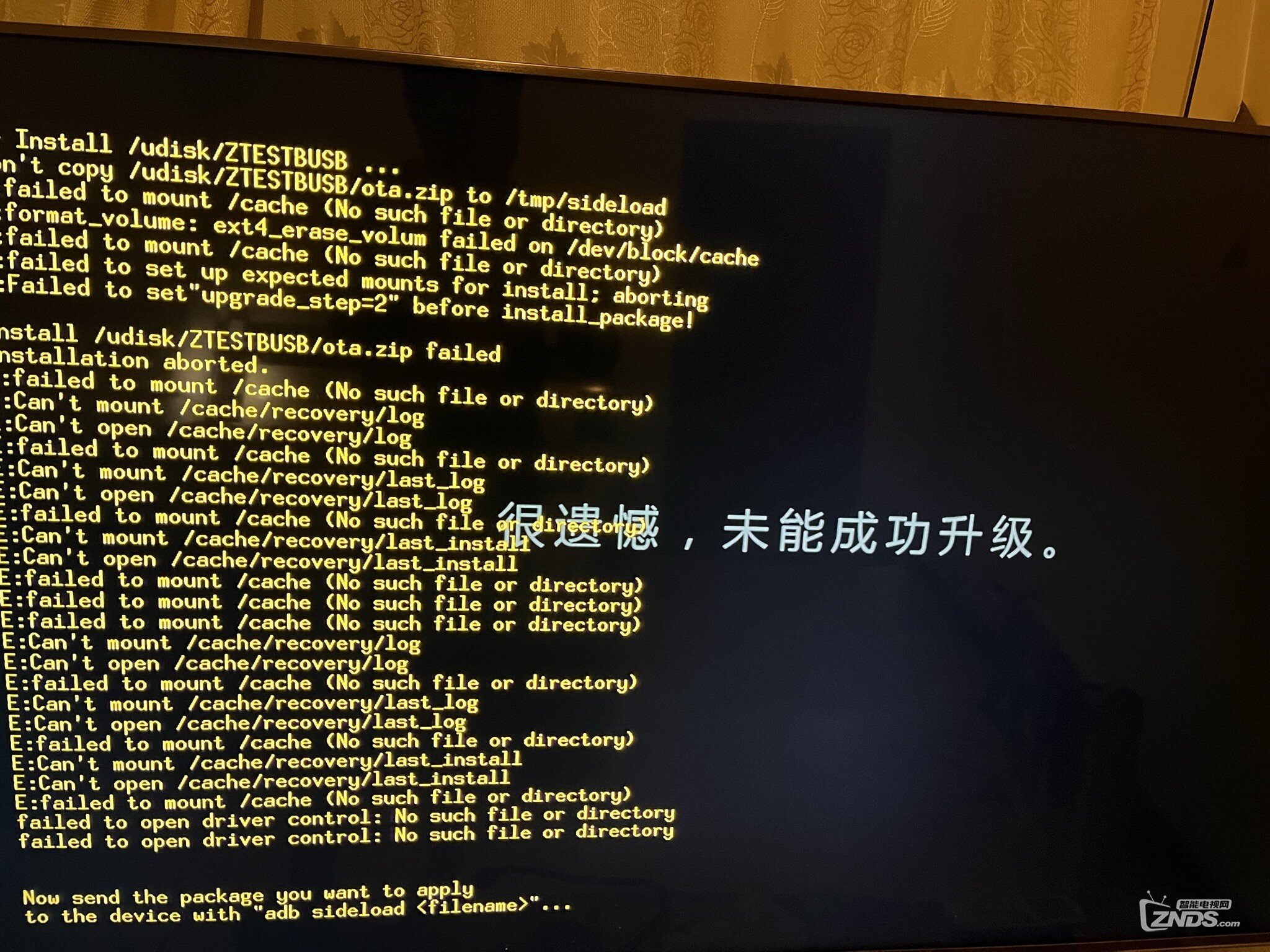
enter recovery
sdio_detect return 1
[mmc_init] SDIO Port B:0, if_type=7, initialized OK!
Device: SDIO Port B
Manufacturer ID: 0
OEM: 0
Name: 'Tran Speed: 20000000
Rd Block Len: 512
SD version 2.0
High Capacity: Yes
Capacity: 15510536192
Boot Part Size: 0
Bus Width: 4-bit
reading recovery.img
11876382 bytes read
Wrong Image Format for bootm command
ERROR: can't get kernel image!
Err imgread(L330):Fmt unsupported!genFmt 0x0 != 0x3
no recovery in flash
m8m2_n200_v1#
|
|
 /2






 雷达卡

 发表于 2022-2-20 22:41


 提升卡
 置顶卡
 变色卡
 千斤顶